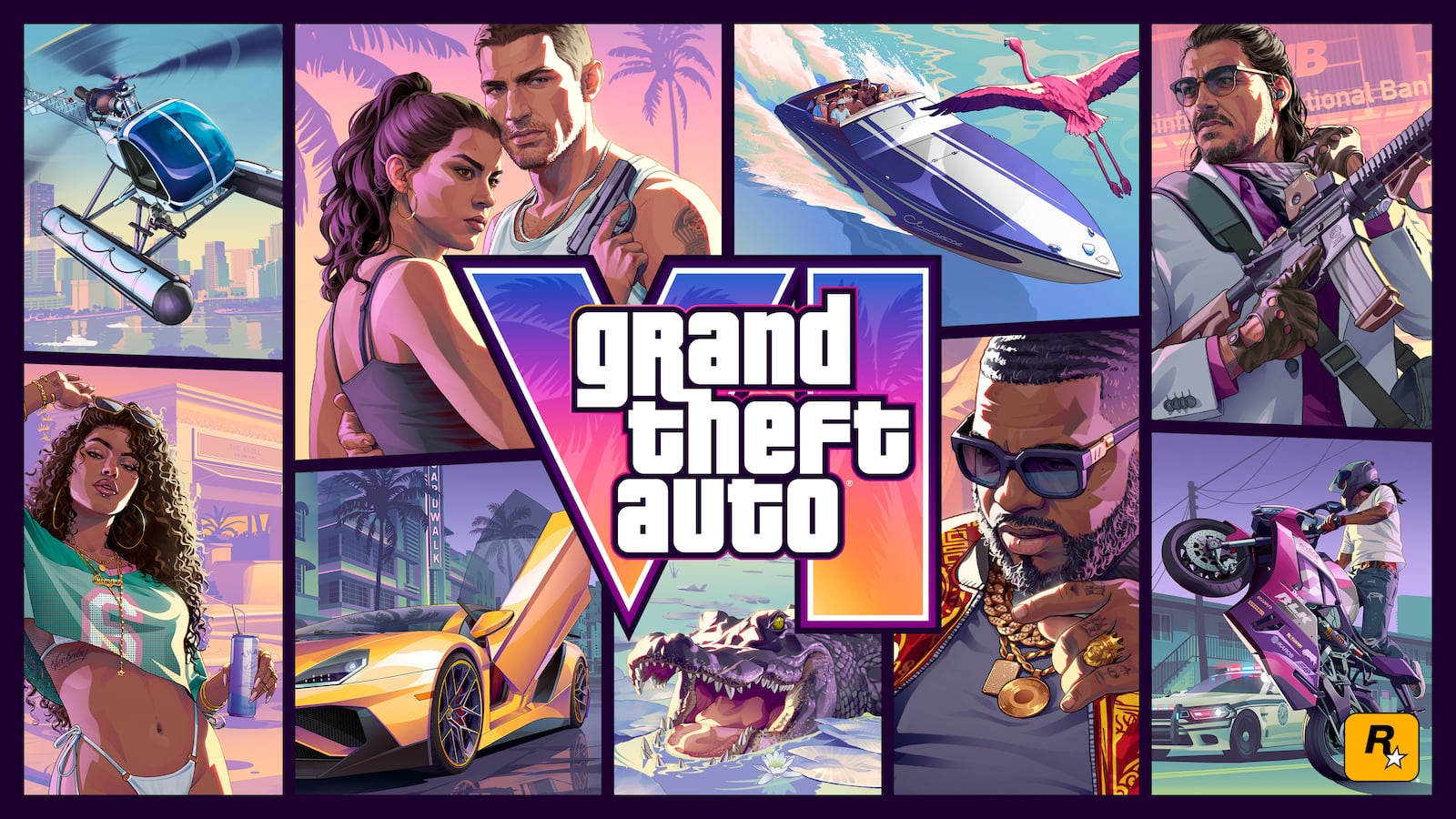
Rockstar’s GTA VI media library currently organizes 99 screenshots, three feature videos and 22 artwork or wallpaper files. It is the best starting point for visual research because every item has an official label and download source.
Start with the asset label
Rockstar names screenshots by character, relationship or location. Those labels are evidence. A file titled Vice City can support the location, while an unlabeled fan repost should not be used to establish where a scene occurs.
Keep the original label when saving a reference. It prevents a dramatic image from losing its context as it circulates through social media.
Separate artwork from screenshots
Promotional artwork communicates characters, tone and brand composition. Screenshots provide stronger evidence for environments, interfaces and rendering. The two categories should not be treated as interchangeable proof of gameplay.
Vicefile identifies each gallery item as artwork or screenshot so readers can judge what the image can reasonably support.
Compare dates and batches
Later media batches may show revised lighting, assets or interfaces. Compare the publication date before assuming that two versions represent simultaneous states of the game.
A visible change can indicate iteration, a different time of day or a presentation choice. It does not automatically prove that a feature was removed.
Share responsibly
Link back to Rockstar’s media page, retain clear attribution and avoid presenting official art as original Vicefile work. For commercial reuse questions, consult the rights holder rather than relying on a fan-site disclaimer.
This site uses selected official media for reporting and commentary and keeps the number of images limited relative to the original editorial text.
This guide is independent reporting and analysis. It is not affiliated with or endorsed by Rockstar Games or Take-Two Interactive.